日本語版のみの公開です
このガイドは現在日本語版のみの掲載です。レイアウト・データ・リンクは共通です。英語版は準備できしだい掲載します。
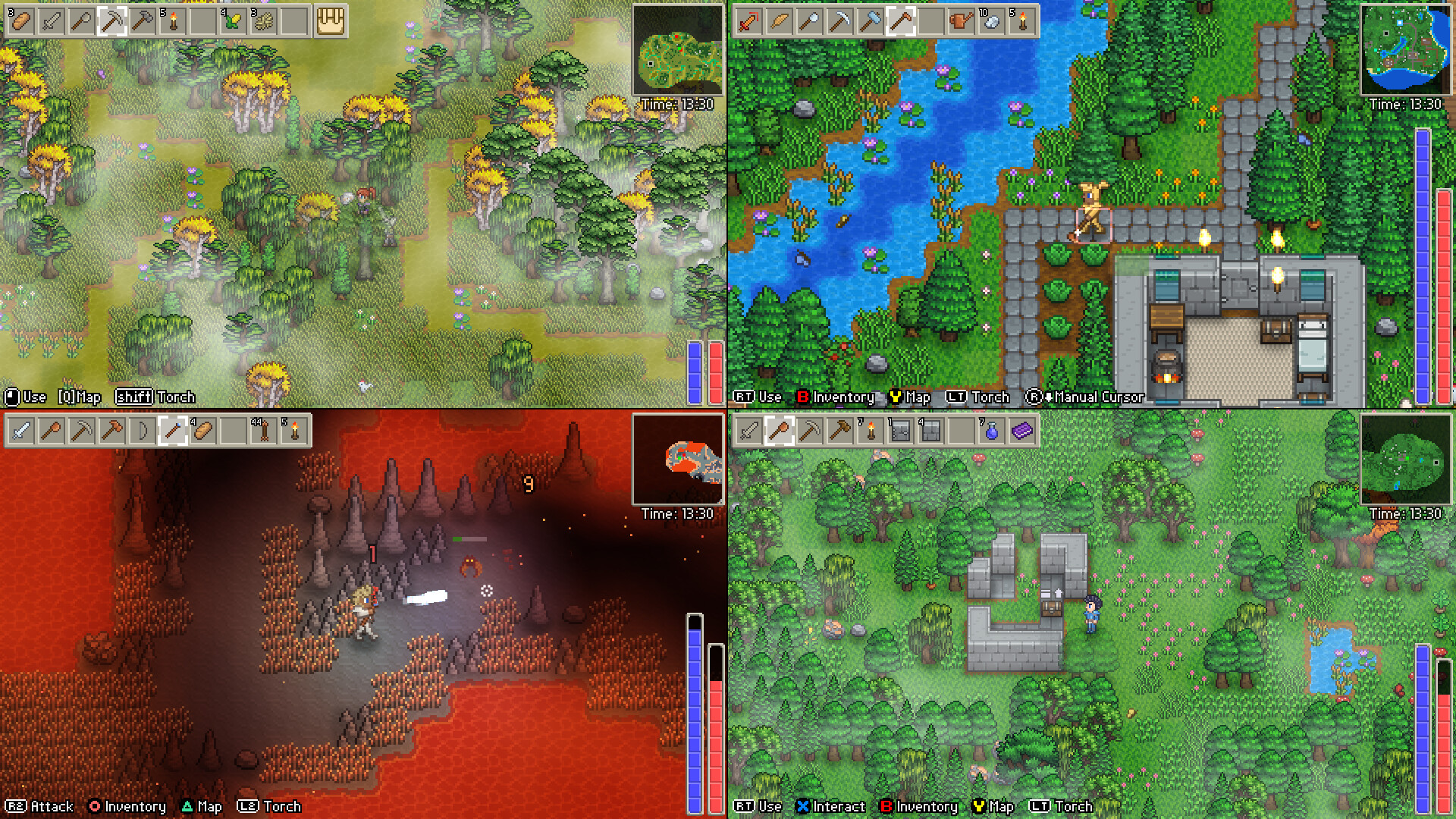
Delverium Invite Friend to Play — Hosting and Joining
How to get a friend into your Delverium world: the Start vs Online menu modes, Steam-friends invites for 8-player online, mixed split-screen setups, and the save details that matter before you start. Checked September 24, 2026.
Here's how to get a friend into your Delverium world, based on what's documented in the Early Access build (checked September 24, 2026).
Step 1: pick the right menu mode
From the main menu, as the Early Access build presents it (checked September 24, 2026):
- Start — loads or creates a solo or local split-screen game. Same-room co-op lives here: up to 4 players on one machine
- Online — to host or join an online or mixed online/split-screen game. This is the mode for remote friends, and the mixed option means couch players and online players can share one world
Online co-op runs through Steam friends — the store listing frames the 8-player online mode as playing "with Steam friends", so the invite path goes through your friends list rather than a separate server browser.
Step 2: mind the character and world you bring
Right after choosing a mode you load or create a character (name, appearance, and the death-penalty setting), then a world (difficulty, size, Horde Mode). Two details matter before you invite anyone:
- Character and world are separate — the host's world settings (difficulty, Horde Mode) are what everyone experiences
- If your friend played the Demo: Demo character saves import into Early Access, but Demo world saves don't, and the developer recommends a fresh character for EA. Import happens before your first game start, while the Demo is still installed — details in our Demo guide
The numbers while you set up
- 8 players online, 4 players split-screen, from the developer's launch statement — details in the multiplayer guide
- Mixed setups count against both limits: couch players occupy split-screen slots, remote players occupy online slots
The short version
Both launch the game → the host picks Online and creates the world → the friend picks Online and joins from the host's Steam friends entry. That's the path every verified source points to; no source publishes a more detailed walkthrough of the in-game invite prompt yet, and the official Discord is the fastest place to sort out connection edge cases with other players.
あわせて読む